Is this a caravan level app or a full levelling guide? +
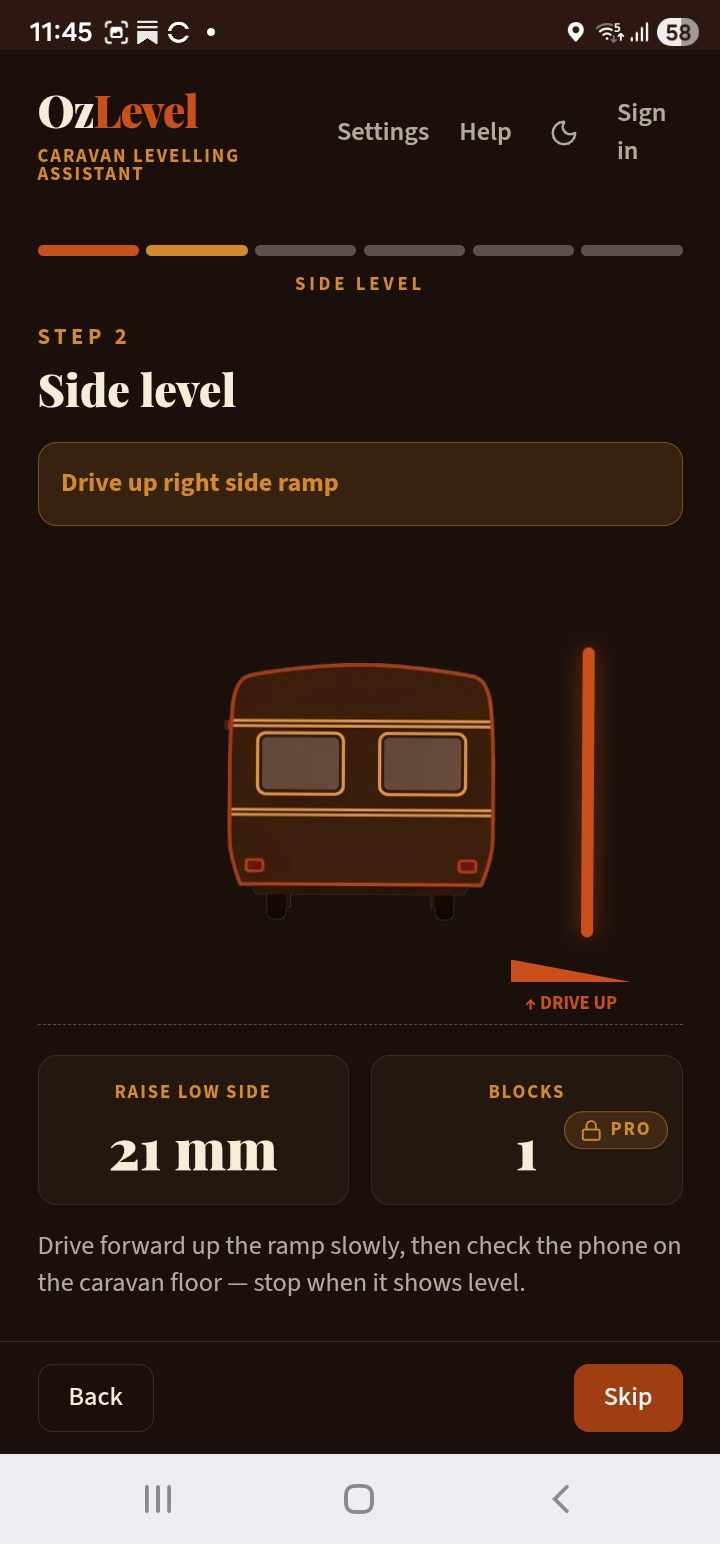
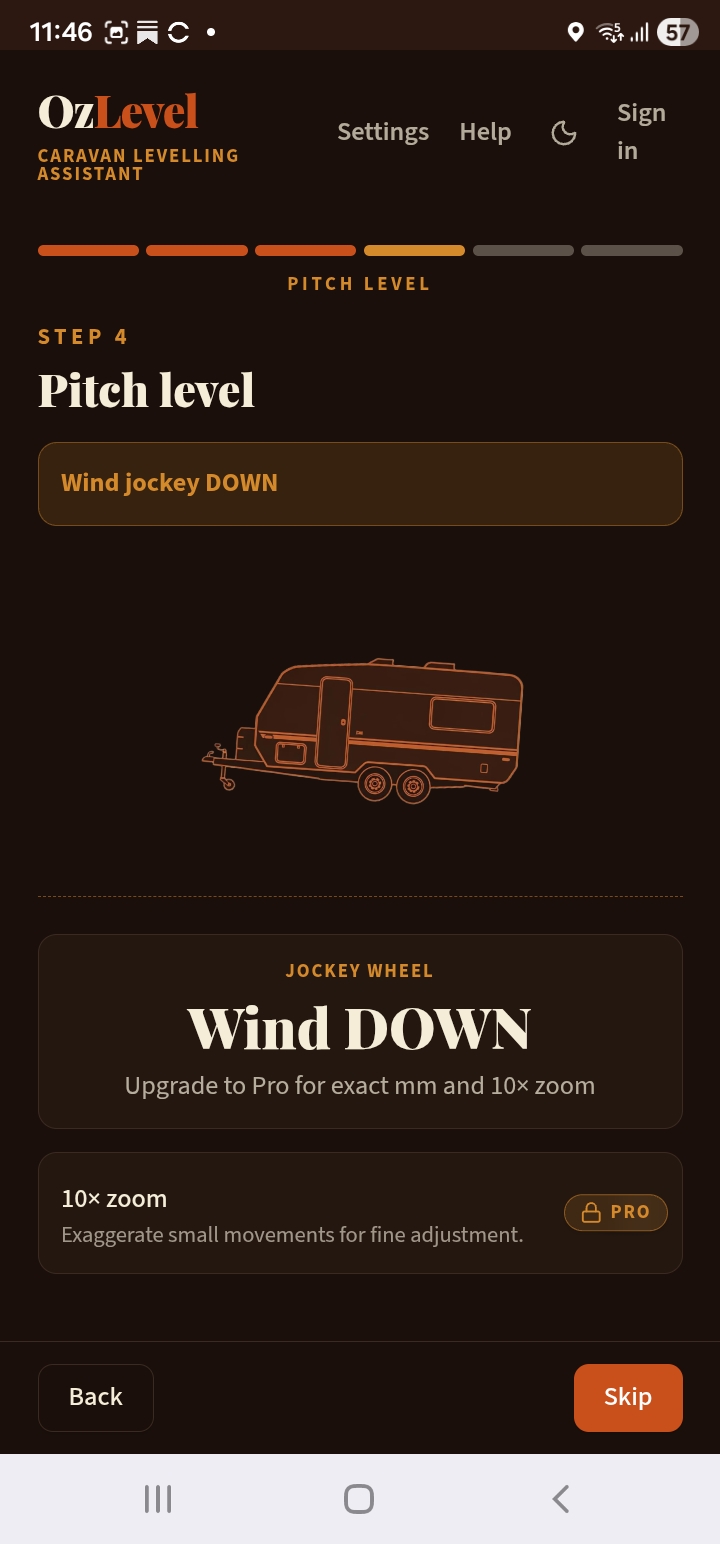
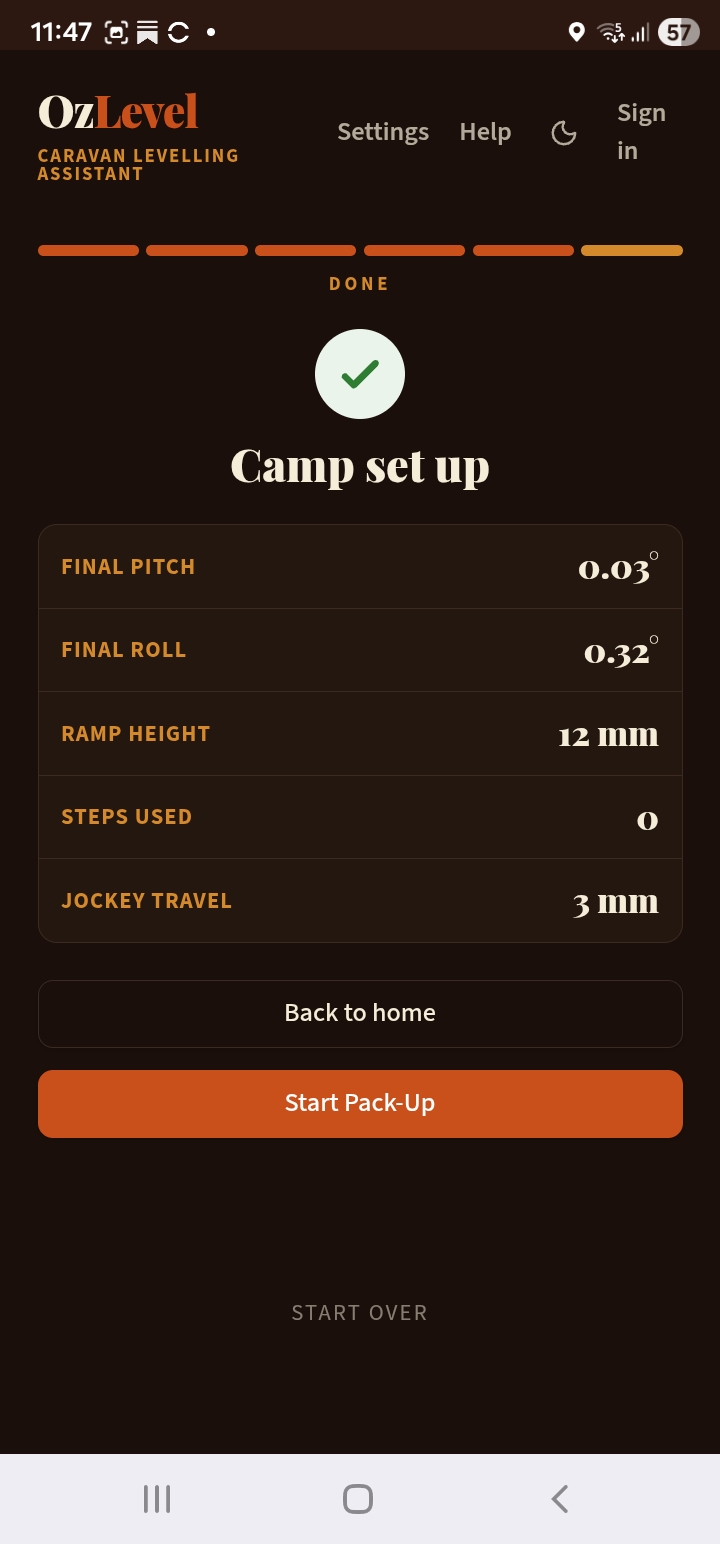
Both. Most caravan level apps stop at the reading — a bubble, a number, or a colour. OzLevel Caravan is a caravan level app with a guided workflow on top: it tells you the roll and pitch, then tells you what to do about each one, in the order that actually works. Side level with ramp steps first, then unhitch, then jockey wheel for pitch. You get the measurement and the method.
Is it a caravan leveller or a caravan leveler? Levelling or leveling? +
Both spellings mean the same thing. Australian and British English use the double-L — levelling, leveller, levelled. American English uses the single-L — leveling, leveler, leveled. OzLevel is built in Australia so we write levelling throughout, but if you searched for a caravan leveler or a caravan leveling app you are in the right place. The app itself uses Australian spelling and metric units (millimetres), with an imperial toggle in settings if you prefer inches.
Should I unhitch my caravan before or after levelling? +
After side-to-side levelling — not before. Level the roll first using ramp steps under the wheels, then unhitch, then use the jockey wheel to correct pitch. Unhitching first means the van can shift during levelling and you're adjusting the jockey wheel at an angle, which is both harder and less accurate. OzLevel Caravan holds you at the Side Level step until roll is confirmed, then prompts you to unhitch.
How does the jockey wheel travel feature work? +
OzLevel Caravan reads your current pitch angle and your axle-to-hitch distance from settings, then calculates exactly how many millimetres of jockey wheel travel are required to reach level. It tells you whether to wind up or wind down, and shows real-time feedback as you adjust. No more winding and guessing — you have an exact target.
What is hitch memory? +
Hitch memory is a Pro feature that saves your exact hitch height (as a pitch angle) when you unhitch at a site. When you're breaking camp and ready to re-hitch, the Re-Hitch shortcut tells you precisely how much to wind the jockey wheel to return to the correct tow-ball height — no measuring, no guessing whether it'll reach. It works offline once you're signed in, so it's available anywhere.
Does it work for tandem axle caravans? +
Yes. OzLevel Caravan supports both single and tandem axle configurations. When you're set up for tandem, the app includes an advisory if you've configured a single ramp piece — a common setup mistake that causes the ramp to rock under a tandem axle. Just set your axle type in settings and it's handled automatically.
I already have OzLevel Pro for my motorhome — do I have access to the caravan app? +
Yes. OzLevel Pro unlocks both apps — motorhome and caravan. Sign into the caravan app at van.app.ozlevel.com.au with the same account you use for the motorhome app and your Pro access carries over automatically. One purchase, both vehicles, forever.
Do I need to download it from the App Store? +
Nope. OzLevel Caravan is a Progressive Web App (PWA) — open it in your browser and add it to your home screen just like a normal app. No App Store, no Google Play, no waiting for approval. Works on iPhone and Android.
Does it actually work without internet? +
100%. The full guided wizard, all levelling calculations, and hitch memory recall work completely offline once you've loaded the app on a connection. Your phone's sensors don't need the internet — they work on gravity. Even signed-in features like hitch memory recall are available offline once you've authenticated.
What ramps does it work with? +
Any brand. You enter your ramp step heights in settings and OzLevel Caravan calculates based on your specific ramp dimensions. Camec, Tufway, generic blocks, Milenco 4-tier — doesn't matter. You can configure up to four step heights for ramps with multiple levels.
Will it work on my older iPhone or Android? +
OzLevel Caravan works on any smartphone made in the last 8–10 years. If your phone has a browser and a built-in gyroscope and accelerometer, you're good to go. iOS requires granting motion sensor permission once when you first open the wizard — the app walks you through this.
Do I need to pay to try Pro features? +
No. The app is free to use without an account. Create a free account in the app and you get 30 days of every Pro feature — audio assist, hitch memory, the Re-Hitch shortcut and Pair Mode. No credit card. After 30 days your account reverts to the free tier, which still includes the full guided wizard and jockey wheel travel calculations — no charge unless you choose to upgrade.
What if I'm not happy with it? +
Email us within 30 days and we'll refund you. No arguments. We're caravan and motorhome owners too — we'd want the same.
 — Ross Bolden, Founder
Mechanical engineer · Motorhome owner · Freshwater NSW
— Ross Bolden, Founder
Mechanical engineer · Motorhome owner · Freshwater NSW